Image Describer
Turn any photo into a short, natural-language description you can paste as alt text or a caption.
What the Image Describer does
Think of it as a friend describing a photo out loud: you get a plain description written the way you'd explain it to someone who can't see it. It skips the bullet-point breakdowns and technical jargon other analysis tools use, and gives you one alt-text line plus a short paragraph instead. It's built for people who need working alt text for a website, a caption for a social post, or a quick way to explain an image over text or email. Upload a photo and you get back a summary line and a few sentences describing the subject, setting, and anything notable, written in everyday words a general reader or screen reader user can follow.
See a sample result
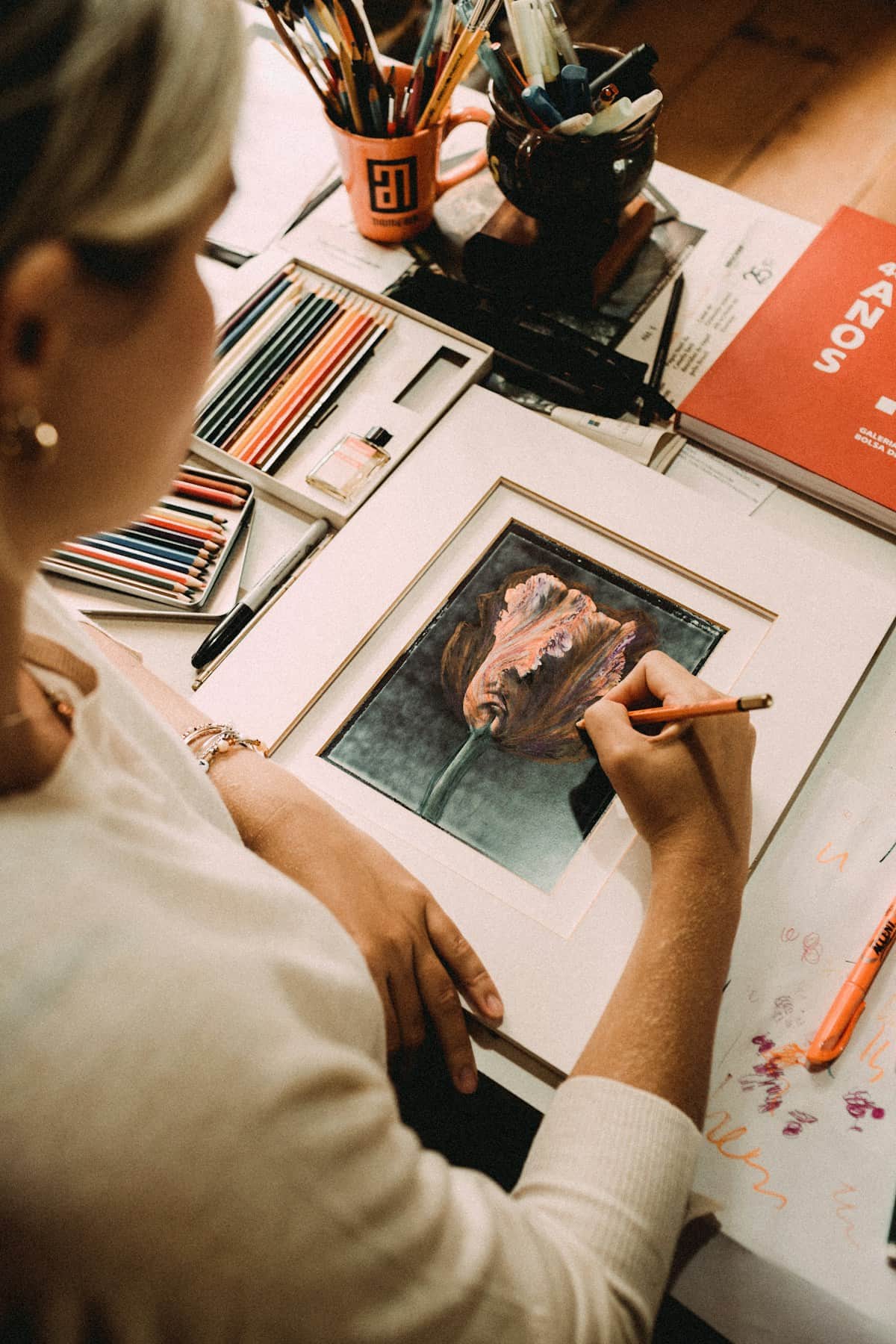
Input: An over-the-shoulder photo of a woman with blonde hair tied back, wearing a cream sweater, leaning over a dark-green matted painting of a rose and adding detail with a thin brush. A tray of colored pencils, a few pencil cups, an orange book, and loose paint sketches sit on the wooden table around her, all lit by warm, natural light.
- image_clarity90%
- detail_level80%
- description_confidence92%
Alt text: A woman in a cream sweater paints a rose on dark-green matted paper at a table scattered with colored pencils and sketches.
The photo is taken from over the shoulder of a woman with blonde hair pulled back, who leans in close to a small painting of a rose set against a dark-green mat. She holds a thin brush just above the paper, mid-stroke, adding fine detail to one of the petals. Around her, the wooden table is covered with the tools of the work in progress: a shallow tray of colored pencils, a couple of pencil cups, an orange book standing on its side, and loose sheets of paint sketches. The light is warm and comes from one side, catching the texture of the sweater and the paper and giving the whole scene a quiet, focused feel, like a private moment in the middle of finishing a small piece of art.
How it works
- 1
Upload the photo you need described
Any photo works: product shots, screenshots, personal photos, or artwork. There's no need to crop or clean it up first, though a clear, well-lit shot gives a more precise description.
- 2
The model reads the whole scene
It identifies the main subject, the setting, and any details that would matter to someone hearing the description rather than seeing the image, including legible text if there is any.
- 3
You get an alt-text line and a paragraph
The response starts with a short summary line labeled for alt text, then a natural paragraph that reads like a sentence a person would actually say, not a list of tags.
- 4
Copy it straight into your site or caption
Paste the alt-text line into your CMS or HTML, or use the paragraph as a caption, social post, or written explanation for someone who hasn't seen the photo.
Use cases
Writing alt text for a website
Get a usable alt-text line for a blog post, product page, or portfolio image without staring at the photo trying to summarize it yourself.
Captioning a social media post
Turn the paragraph description into a caption base, then add your own voice or hashtags on top of the factual description.
Describing photos for someone who can't see them
Paste the description into a message or email when you need to explain a photo to a colleague or friend over text.
Cataloging images in bulk
Run product photos or archive images through the tool one at a time to build a searchable set of plain-language descriptions for each file.
Tips for better results
- Use a clear, in-focus photo so the description captures the right details instead of guessing at a blurry subject.
- If the photo has visible text you want included, make sure it's sharp enough to read, since blurry text gets skipped.
- For product or website alt text, trim the alt-text line further if your CMS has a strict character limit.
- Upload one image at a time for the most accurate, specific description rather than a composite of several photos.
- If the description reads as too general, try a version of the photo with better lighting or less background clutter.
Frequently asked questions
Is this the same as a detailed image analysis tool?
No. This tool skips the structured, multi-section breakdown in favor of a short alt-text line and one natural paragraph, the format that works best for captions and accessibility. It adds only three small scores: image clarity, detail level, and how confident the description is.
Can I use the output directly as alt text?
Yes. The first line is labeled as alt text and written to be short enough to paste directly into an image's alt attribute or your CMS's alt field.
Will it read text that appears in the photo?
It mentions visible text only when it's clearly legible. If text in the image is blurry, small, or partially cut off, the description leaves it out rather than guessing.
What happens if the photo is low quality or unclear?
The description says plainly that the image is unclear or low quality instead of inventing details it can't actually see, so you know to try a better photo.
Does it work on screenshots and graphics, not just photos?
Yes. Screenshots, illustrations, and graphics all work, though the description focuses on what's visually present rather than interpreting an app's function or a chart's data.
Can I describe an image that includes people?
Yes, the description covers the setting and subject the same way it would for any photo, in plain, neutral language without speculating about identity or personal details.
Plans start at $9 a month. See pricing