Instagram Caption Generator
Upload a product photo and get a scroll-stopping caption, emojis, and hashtags ready to post.
What the Instagram Product Description Generator does
Writing a caption that actually gets a scroll to stop, and then reads like a real product post instead of a wall of text, takes longer than it should. This Instagram caption generator is made for product posts. It looks at a photo of your product and writes a caption built for the platform: a short, punchy opening line, two or three scannable paragraphs highlighting what the product actually does, and a set of relevant hashtags at the end. It's built around how people actually read Instagram Shopping posts, on a phone, in a few seconds, so the output favors short lines, emojis used with intent, and a clear call to action instead of dense marketing copy. Whether you're posting one product a week or ten a day, it gives you a usable starting draft instead of a blank caption box.
See a sample result
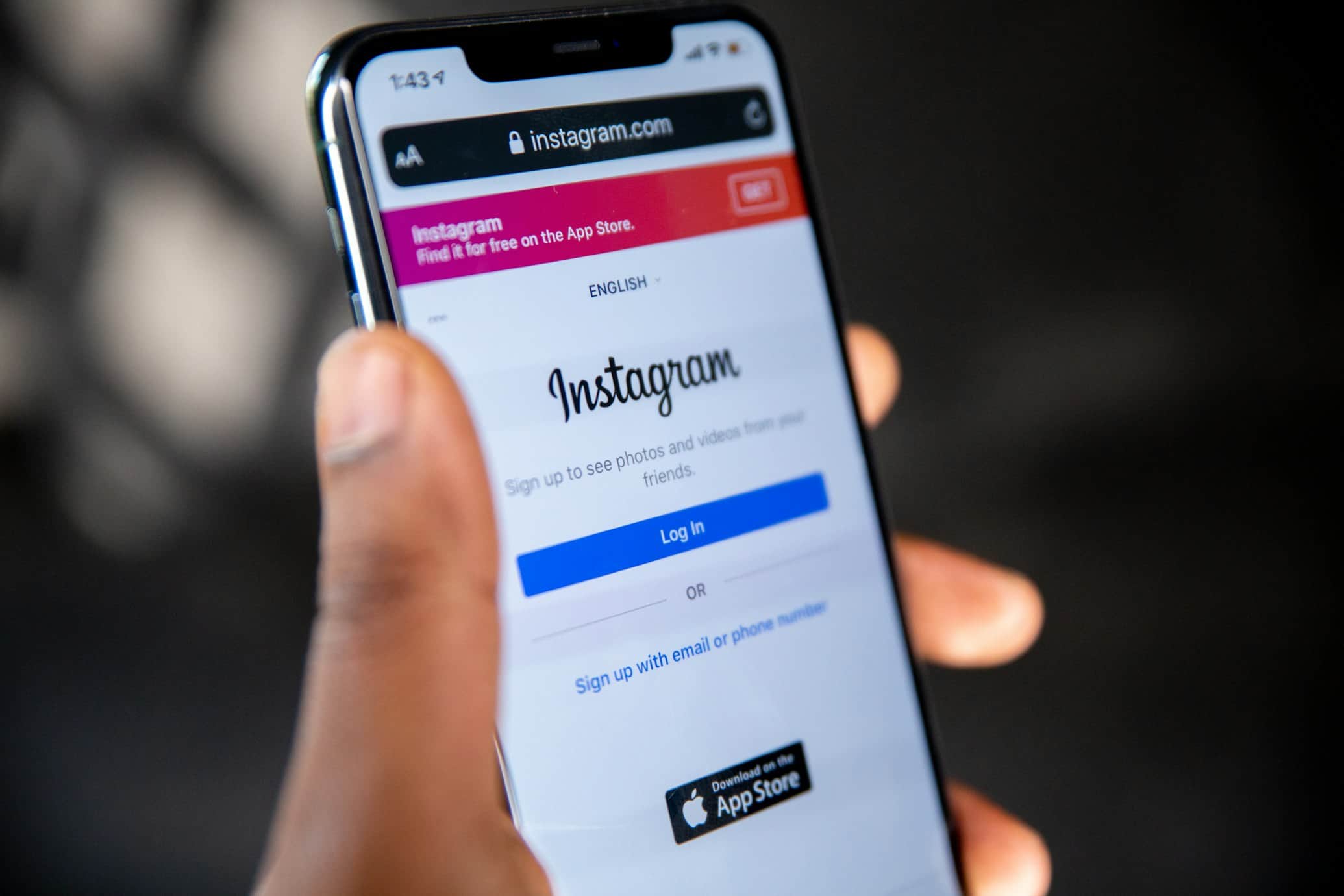
Input: A close-up photo of a hand holding a black smartphone at an angle, its screen showing a social app's sign-up page, against a dark, blurred background. The details box was left empty.
Caption: Big screen, slim frame, fits one hand 📱✨
Edge-to-edge display that makes every scroll look sharp, in a slim black finish that slides into any pocket.
✅ [Storage size] ✅ [Condition: new / refurbished] ✅ [What's in the box]
Tap the tag to shop before this batch is gone 👇
Note: The photo doesn't show the model, storage, condition, or price, so those are left as blanks. Fill them in rather than letting a caption promise specs you haven't confirmed.
Hashtags: #smartphone #phoneforsale #techdeals #newphone #phoneupgrade #shopsmall #techshop #mobiletech #gadgetlover #dailytech #smartphonelife #phoneshop
How it works
- 1
Upload a clear photo of the product
A well-lit photo that shows the product clearly gives the model the most to work with for features, color, and context.
- 2
The AI identifies what's sellable about it
It reads visible features, materials, and use case, then figures out an angle: a lifestyle hook, a feature callout, or a limited-availability push, depending on what the product suggests.
- 3
It writes a caption in Instagram's native style
Expect a short opening line, emojis placed for visual rhythm rather than decoration, a couple of scannable lines on features and benefits, and a direct call to action.
- 4
You get a caption and a hashtag set
The output splits into a ready-to-post caption and 10 to 15 relevant hashtags, so you can copy both straight into the post.
Use cases
Restocking product posts quickly
When you're posting several new items in a day, generating a first-draft caption per photo saves the time of writing each one from scratch.
Small shops without a dedicated copywriter
Solo sellers and small Instagram shops can get a caption that reads like it was written for the platform, without hiring someone or staring at a blank caption box.
Testing different hooks for the same product
Run the same photo through more than once to compare a few different opening lines and angles before picking the one that fits your brand voice.
Keeping a consistent posting rhythm
Creators managing a product feed can use it to keep captions consistent in tone and structure across many different posts.
Launching a new product without a full marketing plan
If you're bringing a new item into your shop and haven't worked out the messaging yet, a generated caption gives you a workable hook and structure to start from on day one.
Tips for better results
- Use a photo where the product is the clear focus, not a busy scene with several items competing for attention.
- Type the price, promo code, sizes, or materials into the details box before you run it, so the caption uses real facts instead of leaving blanks.
- Treat the hashtag set as a starting point and swap in a few niche or branded tags specific to your shop.
- If the first caption's tone doesn't match your brand, describe your voice in the details box (dry, playful, luxury) and run it again.
- Trim the caption further if your product needs a shorter, punchier post than the full three-paragraph structure.
- Pair the caption with a photo that shows the product in use, not just on a plain background, since lifestyle context tends to give the model a stronger hook to write from.
Frequently asked questions
Does it write captions for services too, or only physical products?
It's built around a product photo, so it works best for physical items. A photo representing a service, like a logo or a screenshot, can still generate a caption, but the result reads more generically.
Can I edit the caption after it's generated?
Yes, treat it as a strong first draft. Most sellers tweak the opening line or swap in brand-specific details before posting.
How many hashtags does it generate?
Typically 10 to 15 relevant hashtags, mixing broader category tags with more specific ones related to the product shown.
Will the caption include a price?
Only if a price is clearly visible in the photo. Otherwise, it leaves a spot for a call to action so you can add pricing or a link yourself.
Can I use this for Instagram Reels captions too?
It's built for photo-based Instagram Shopping posts, but the same short, scannable caption style works fine as a Reels caption if you're posting a product video.
Does it work for multiple products in one photo?
It can, but the caption will describe them together rather than focusing on one item, so for a single-product listing it works best with one clear product in frame.
Can it write captions for a selfie or a vacation photo?
Not well. It's built to sell a product, so a selfie gets treated like merchandise and comes back sounding like an ad. For personal posts, a general caption tool is the better fit; this one is for shop posts.
Plans start at $9 a month. See pricing