Education tools
This small but practical category is aimed at students, teachers, and anyone trying to understand something written or drawn in an image. The diagram explainer takes a photo of a diagram, flowchart, or technical drawing and walks through what it represents in plain language, useful when a textbook figure or a whiteboard sketch is not self-explanatory. The handwriting analyzer looks at a sample of handwriting and describes its style and legibility characteristics, which can be a fun way to look at your own writing, though it is not a scientific graphology assessment. The language identifier reads text visible in a photo and identifies which language it is written in, handy for travel, mail, or research when you cannot read a script yourself. The math problem solver is the most utility-focused tool here: photograph a math problem and it walks through a step-by-step solution, which students commonly use to check their own work or get unstuck on a problem they cannot start. Across this category, accuracy depends on image clarity, handwriting legibility, and how standard the notation or diagram style is. These tools are meant to support learning and understanding, not to replace instruction from a teacher or a full explanation from a textbook, and math solutions should be checked against your own reasoning rather than copied without understanding the steps.
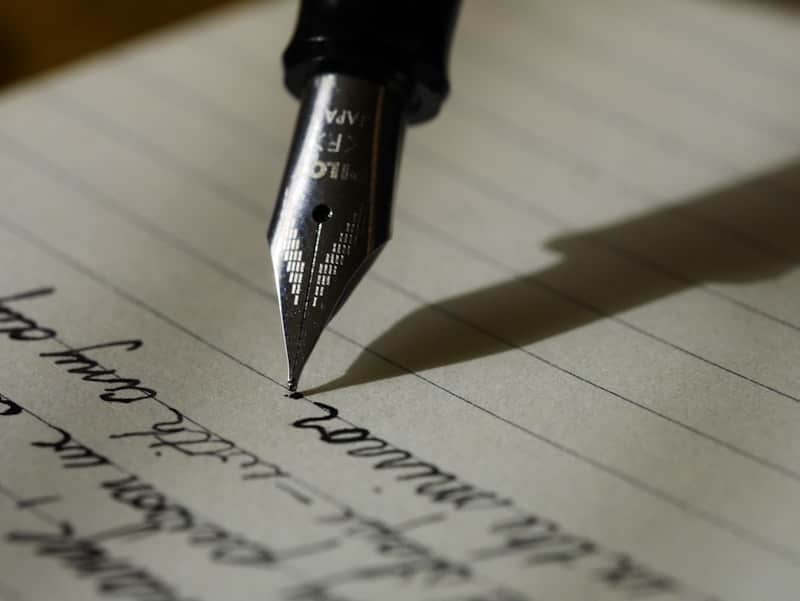
Handwriting Analysis
Upload a sample of your handwriting for a legibility and style breakdown, plus a playful personality read if you ask for one.
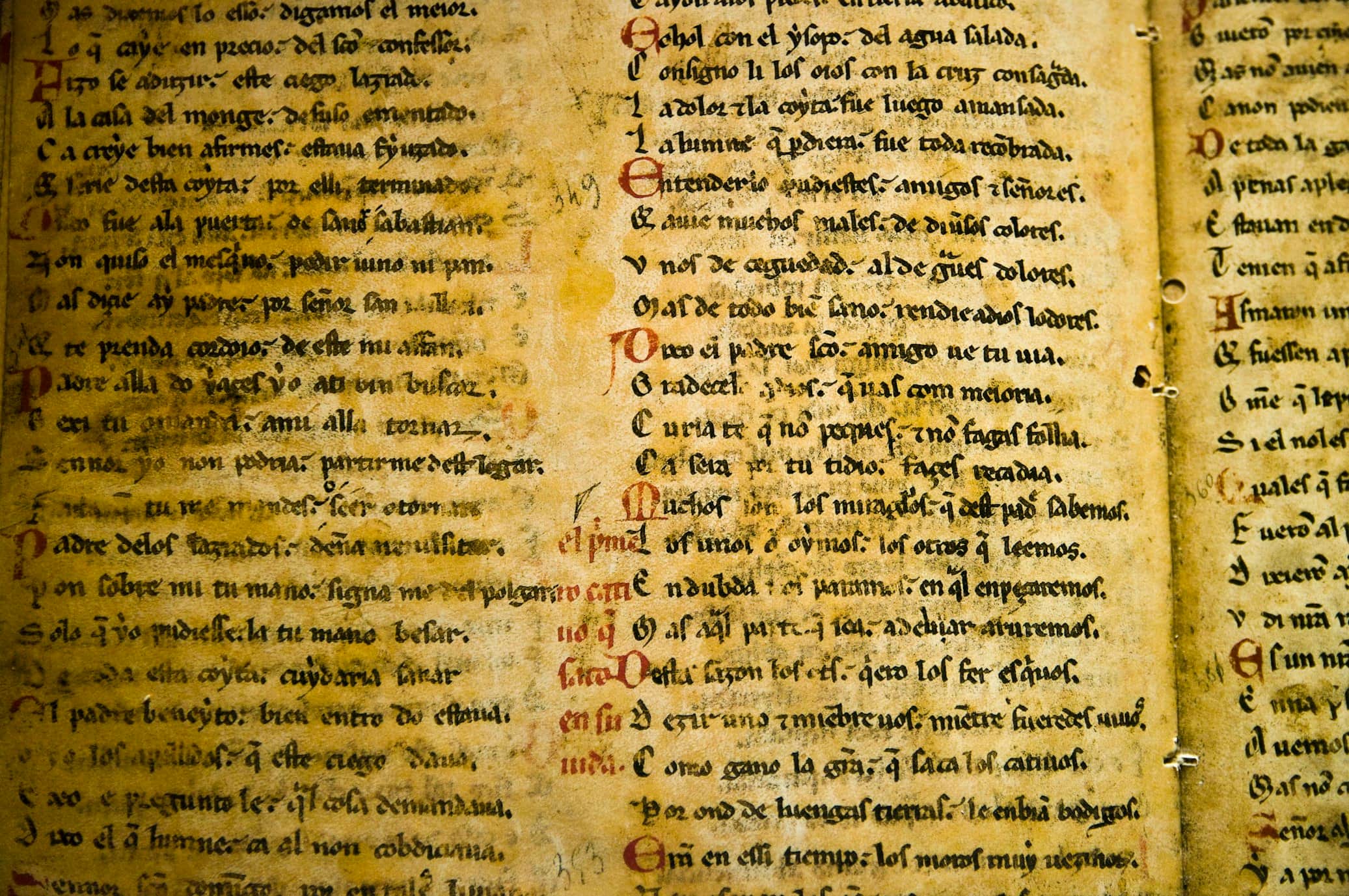
Language Identifier
Upload a photo of text and find out what language it is, in seconds.
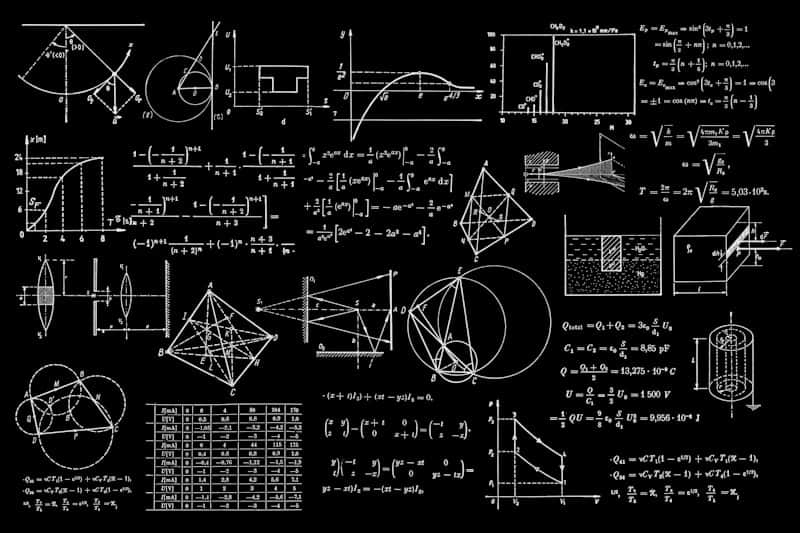
Math Problem Solver
Photograph a math problem and get it worked through step by step, not just the final answer.
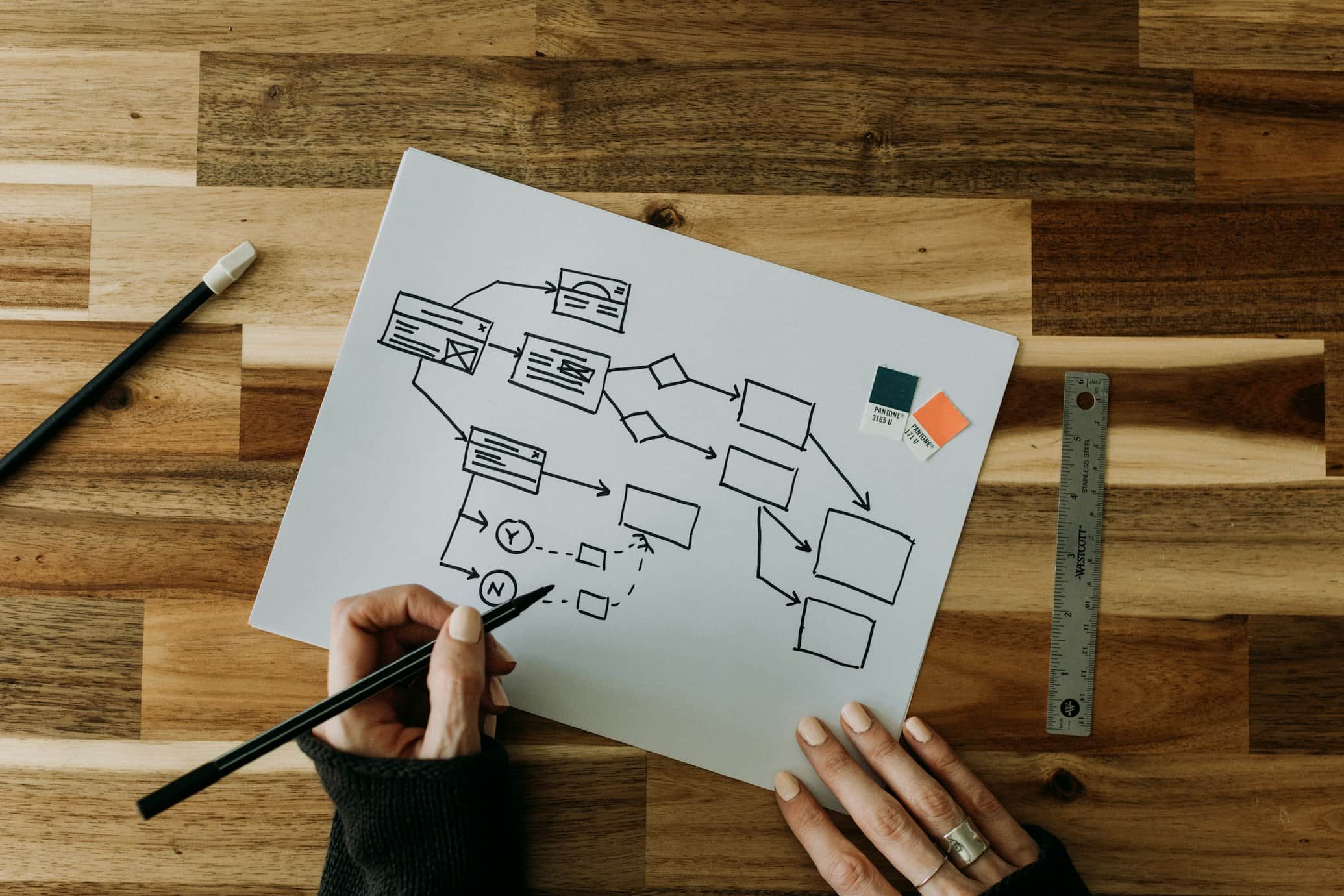
Explain This Diagram
Photograph any flowchart, network diagram or technical drawing and get a plain-language walkthrough of it.
Questions about Education tools
Can the math problem solver handle any type of math problem?
It handles a wide range of common problem types with a clear step-by-step approach, but very unusual notation, poor photo quality, or highly specialized problems can reduce accuracy.
Is the handwriting analyzer a real graphology or forensic tool?
No. It describes general style and legibility traits it observes for entertainment and self-reflection, not a scientific or forensic handwriting assessment.
How many languages can the language identifier recognize?
It recognizes a wide range of commonly written languages and scripts from clear text in a photo, though very short snippets or unusual fonts can make identification harder.
What makes a good photo for the diagram explainer?
A sharp, well-lit photo where labels and lines are readable gives the best explanation, since blurry or cropped diagrams leave the tool guessing at missing details.