Receipt Scanner
Photograph a receipt and get the merchant, items, tax, and total pulled into a clean summary.
What the Receipt Scanner does
A shoebox of crumpled paper receipts is nobody's idea of expense tracking. This tool reads a photo of a receipt, whatever shape it's in, and pulls out the merchant name, date, line items with prices, tax, total, and payment method into a structured summary you can copy into a spreadsheet or expense report. It works from a single photo, so there's no manual typing of every line item. It's built for freelancers reconciling a month of purchases, small business owners logging supplies, and anyone who wants their crumpled glovebox receipts turned into readable data before the paper fades.
See a sample result
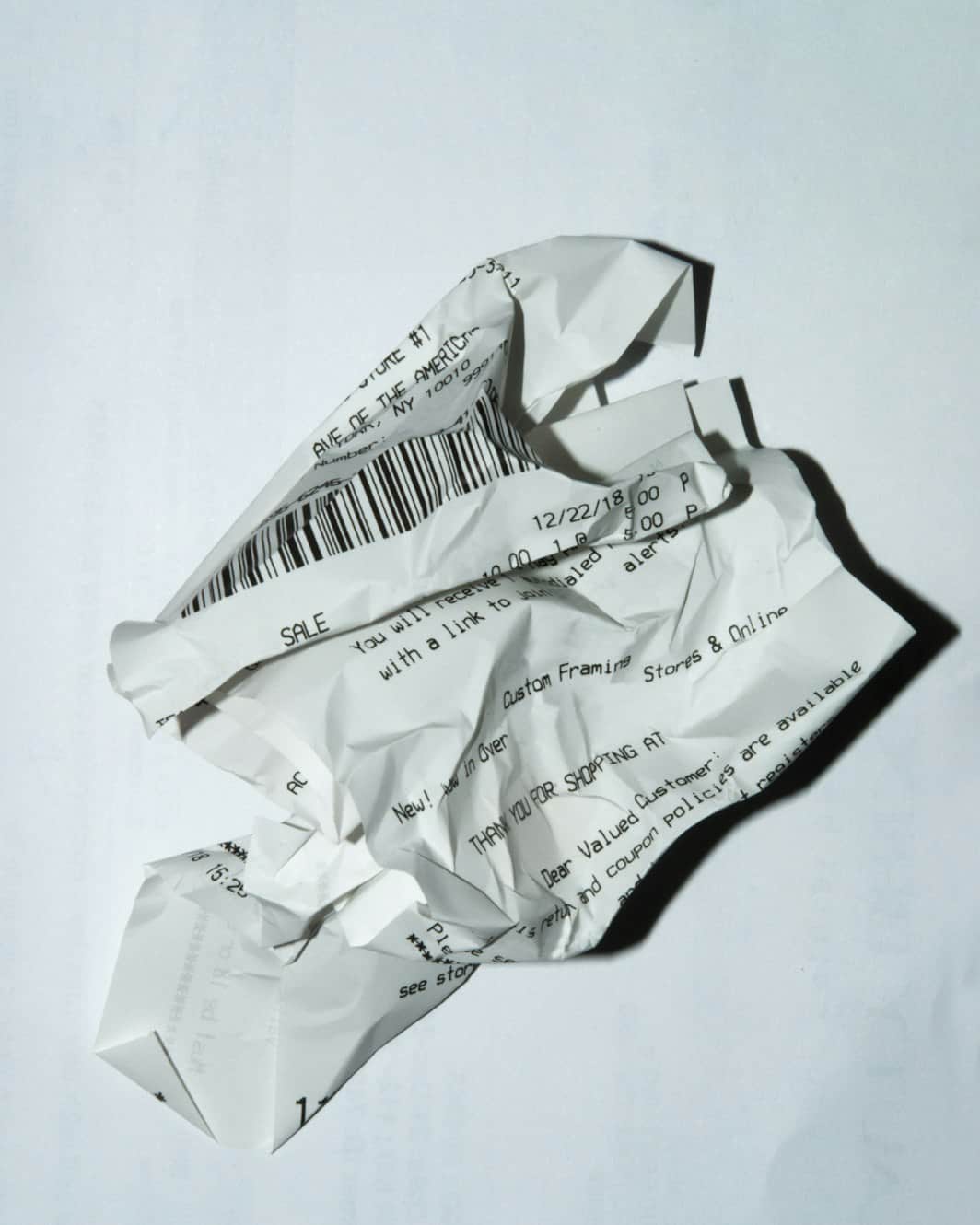
Input: A flat, well-lit phone photo of a printed grocery receipt from a neighborhood supermarket, with the store name and address at the top, six item lines, a card payment line, and a mild fold across the middle (the image at the top of this page, a crumpled receipt, is an illustration).
- Merchant name confidence95%
- Date confidence92%
- Item list completeness90%
- Total amount confidence94%
Merchant: Green Street Market, 214 Green St, Springfield
Date and time: 03/14/2026, 6:42 PM
Items:
| Item | Qty | Price |
|---|---|---|
| Organic bananas | 1.2 lb | $0.95 |
| Whole milk 1 gal | 1 | $4.29 |
| Sourdough loaf | 1 | $5.49 |
| Cheddar block 8 oz | 1 | $3.99 |
| Paper towels 6 pk | 1 | $8.99 |
| Dish soap | 1 | $3.49 |
Subtotal: $27.20 Tax: $1.03 (printed as 8.25% on taxable items; paper towels and dish soap come to $12.48, and 8.25% of that is $1.03, which matches) Total: $28.23
Payment: Visa ending 4417
Flagged: The fold crosses the milk line, so the first digit of $4.29 is slightly blurred. The line items add up to the printed subtotal, which suggests it read correctly, but check it against the paper.
How it works
- 1
Upload a photo of the receipt
Flatten the receipt as much as you can and photograph it in decent light. Wrinkled or curled receipts still work, but a flatter surface reads more cleanly.
- 2
The AI reads the layout, not just the words
It looks for the merchant block, the date and time stamp, the line-by-line item list, and the subtotal, tax, and total lines, matching how receipts are actually laid out.
- 3
You can add a note in the details box
Mention if the receipt is for a specific expense category, a reimbursement, or a currency other than the one printed, and the summary will reflect it.
- 4
You get a structured summary back
The result lists merchant, date, items, tax, total, and payment method, with smudged or torn sections flagged where it notices them.
Use cases
Monthly expense reports
Photograph a stack of receipts at the end of the month instead of retyping every line into a spreadsheet by hand.
Freelance and small business bookkeeping
Pull merchant, date, and total from supply and client-lunch receipts so they're ready to drop into accounting software as a starting point.
Splitting a group bill
Scan a restaurant or grocery receipt to get the itemized list and totals in text form, then divide it up without squinting at a faded printout.
Warranty and return records
Keep a searchable text copy of a purchase date and total in case the original paper receipt fades or gets lost before a return window closes.
Tips for better results
- Flatten the receipt on a table before photographing it; deep folds and crumpling hide item lines and totals.
- Shoot in even light and avoid glare from thermal paper, which can wash out printed numbers.
- Photograph long receipts in one shot if possible, or take a second photo of the bottom half if it doesn't fit.
- Use the details box to flag the currency or expense category if it matters for how you'll use the summary.
- Always check the extracted total and tax against the original receipt before using them for a tax filing or expense reimbursement.
Limitations
This tool reads what's printed and visible in the photo; any arithmetic checks it does are the model's own and can be wrong, and it doesn't look up the merchant or confirm the receipt is genuine. Faded thermal paper, deep creases, and glare all reduce accuracy, especially for totals and tax lines. Treat the summary as a fast first draft: compare the extracted total, tax, and date against the physical receipt before you file an expense report or use it for a tax deduction.
Frequently asked questions
Can I trust the total it extracts for my taxes?
Treat it as a starting point, not a final number. Thermal receipts fade and creases can hide digits, so check the extracted subtotal, tax, and total against the physical receipt before using them for a tax filing or expense claim.
Does it work on crumpled or faded receipts?
It can often read them, but heavy creases or faded thermal print will hide or blur item lines and totals, like the crumpled receipt pictured at the top of this page. Flattening the receipt first improves the read.
Can it handle receipts in a language other than English?
It attempts to read whatever text is printed on the receipt and will note the language it detects, though accuracy varies with less common languages and fonts.
Will it calculate a tip or split the bill for me?
No, it extracts the printed items and totals as they appear. You'd use that itemized list to do the tip or split calculation yourself.
What if a section of the receipt is illegible?
It's asked to flag unclear sections, and it usually marks them as unreadable. It can still misread a faded digit with confidence, so check any number you plan to use against the paper copy, and retake the photo if a whole section is flagged.
Can I scan more than one receipt at a time?
Each run works from the image or images you upload for that run, so multiple receipts in one photo may get combined; separate photos per receipt give a cleaner, more reliable summary.
Plans start at $9 a month. See pricing