ChatGPT Image Prompt Generator
Upload an image and get a prompt written for ChatGPT and OpenAI's image models, ready to paste in.
What the OpenAI Image Prompt Generator does
Seeing an image you like and wanting ChatGPT to generate something similar usually means guessing at wording until it looks close. This tool skips the guessing by reading the photo itself and writing a prompt built for ChatGPT and OpenAI's image models specifically, since they respond to phrasing a little differently than other generators. It's for anyone building a reference library of ChatGPT prompts, recreating a mood from a reference photo, or curious how OpenAI's models would describe an image in words. Upload a photo and you get back a structured prompt covering the subject, style, lighting, and composition, plus a short breakdown of the visual elements and mood the prompt is built from.
See a sample result
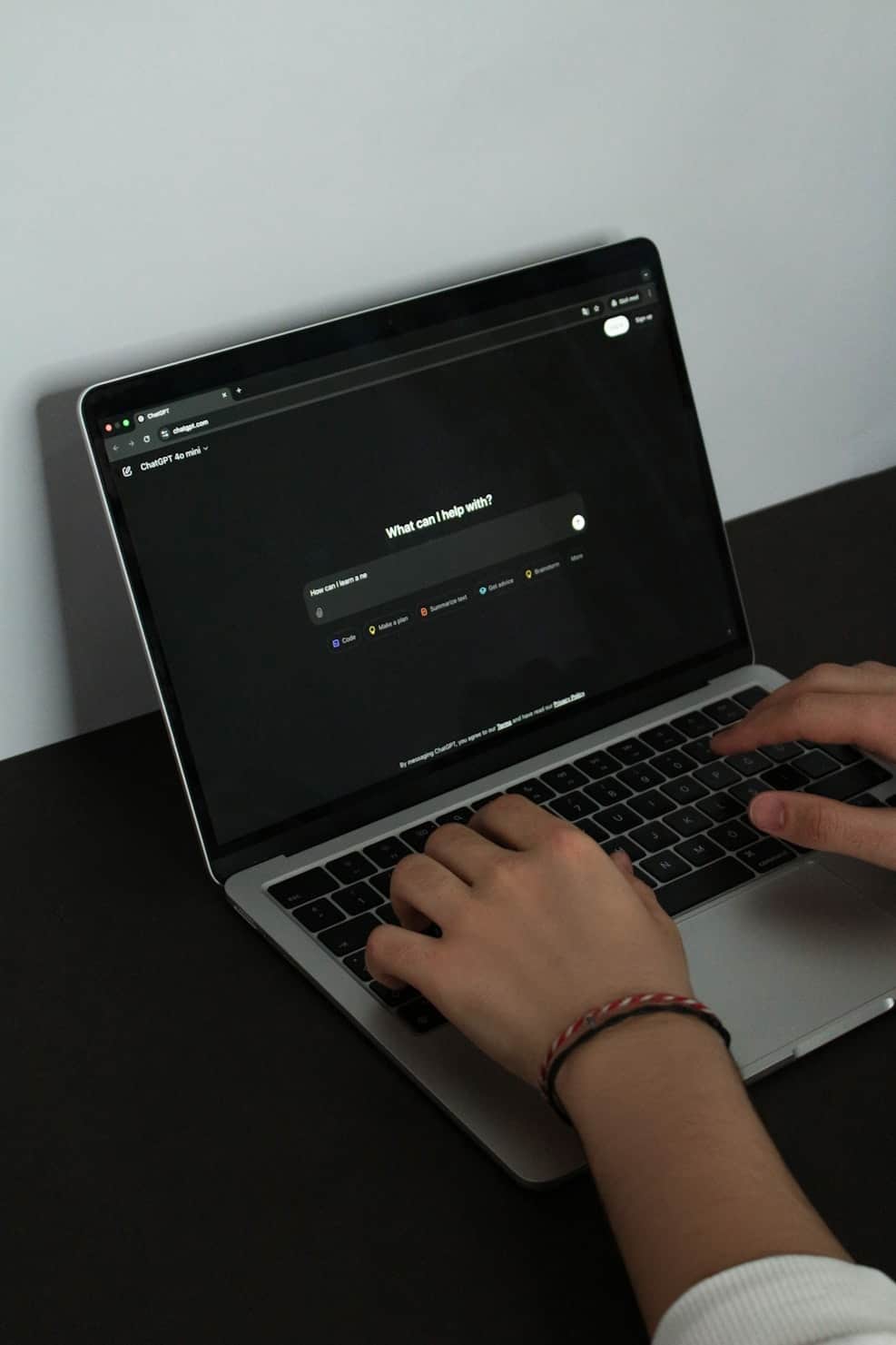
Input: A high-angle photo of a silver laptop on a matte black desk against a plain light-gray wall, its dark-mode screen showing a chat page that asks "What can I help with?" above a centered text box. Two hands are typing on the keyboard, and a braided red and white bracelet is visible on one wrist.
- Prompt detail confidence80%
- Style match confidence72%
- Lighting read confidence68%
Prompt: A minimalist high-angle photo of a person's hands typing on a silver laptop that sits on a matte black desk, a plain light-gray wall behind it. The laptop screen is in dark mode and shows a simple chat page with a centered heading and a single text box. A braided red and white friendship bracelet on one wrist adds the only color. Soft, even daylight, no harsh shadows, strong contrast between the black desk and the pale wall, photorealistic, clean and modern, calm and focused mood. Vertical framing with the laptop in the upper half and the hands in the lower right.
Visual Elements: silver laptop, dark-mode chat screen, two hands on the keyboard, braided bracelet, matte black desk, plain gray wall.
Style & Mood: product-style lifestyle photography, minimal and uncluttered, neutral palette with one small color accent.
Note: The screen shows a real product's interface. The prompt describes a generic chat page, since image models tend to garble on-screen text and brand logos.
How it works
- 1
Upload the image you want described
Any photo or generated image works: a photo you took, a screenshot, or a reference image you found and want to reproduce a similar style from.
- 2
Add a note if you want a specific focus
The details box lets you ask the model to lean harder on one aspect, like lighting or color palette, if that's the part you actually want to reuse.
- 3
The model reads subject, style, and composition
It looks at the main subject, setting, artistic style, lighting, mood, and framing, then writes them out as clear, descriptive language rather than technical jargon.
- 4
You get a ready-to-use prompt
The result includes a full prompt plus a short breakdown of the key visual elements and style and mood notes, so you can see what informed the wording.
Use cases
Recreating a reference image's style
Turn a photo or artwork you like into a written prompt so you can generate new images in a similar style rather than copying the original.
Building a prompt library
Run a batch of images you've collected through the tool to build up a set of reusable prompts organized by style or mood.
Explaining a look to a model
Describe a lighting setup or color grade you want by uploading an example photo instead of trying to write the description from memory.
Learning prompt writing by example
Compare how the tool describes different photos to pick up patterns for writing your own prompts from scratch later.
Tips for better results
- Upload a high-resolution image when possible, since small or blurry photos give the model less to work with.
- Ask for a focus on one element, like color palette or lighting, if that's the specific thing you want to reuse.
- Try uploading both a photo and a piece of generated art to compare how the tool describes each style.
- Treat the output as a strong starting point, then adjust wording to match the specific image model you're using.
- If the subject description feels too general, add a note naming what you want called out more precisely.
- Compare prompts from a few similar images to spot which wording choices the model repeats for a given style.
Frequently asked questions
Is this prompt written specifically for ChatGPT?
Yes, it's structured for ChatGPT and OpenAI's image generation models, but the wording is descriptive enough to work as a starting point with most other image generators too.
Will the prompt recreate the exact image I uploaded?
No. It describes the subject, style, and mood in words, and any image model you paste it into will produce its own interpretation, not an exact copy.
Can I upload artwork or a screenshot instead of a photo?
Yes, it works with photos, illustrations, and screenshots, and adjusts the style description based on what it sees.
What's included besides the prompt itself?
You also get a short list of the key visual elements and a separate note on the style and mood the prompt is based on.
Can I ask it to focus on a specific detail, like the color palette?
Yes, use the details box to point it at the aspect you want emphasized before generating the prompt.
Does each prompt generation use credits?
Yes, each analysis uses credits from your account, since the model reads the full image and writes a fresh prompt each time.
Can I ask follow-up questions about the same image?
Not as a chat. Put any extra question, like what camera angle or color grading the image seems to use, in the details box before you run it. For a follow-up, run it again with the new question, which uses credits.
Plans start at $9 a month. See pricing