Productivity tools
This category collects practical, task-focused tools for pulling information out of images. The text scanner and translate image tools both extract text from a photo, with translate image also converting that text into another language, useful for menus, signs, or documents in an unfamiliar language. The receipt scanner reads a photo of a receipt and extracts the data on it, which helps with expense tracking without manual typing. The font identifier looks at text in an image and identifies the typeface or font family being used, handy for designers trying to match a font seen somewhere else. The text readability analyzer checks how easy the text in an image is to read, useful for checking accessibility of a sign, slide, or document before sharing it. The size estimator looks at objects in a photo and estimates their dimensions, while the blurry image classifier detects and reports how much blur is present in an image, useful for quickly sorting through a batch of photos. The text sentiment analyzer reads text in an image and evaluates its emotional tone. Across this category, accuracy depends on image clarity and how legible the source text or object outlines are, and extracted data, translations, and estimates should be checked against the original before you rely on them for anything important like bookkeeping or official documents.
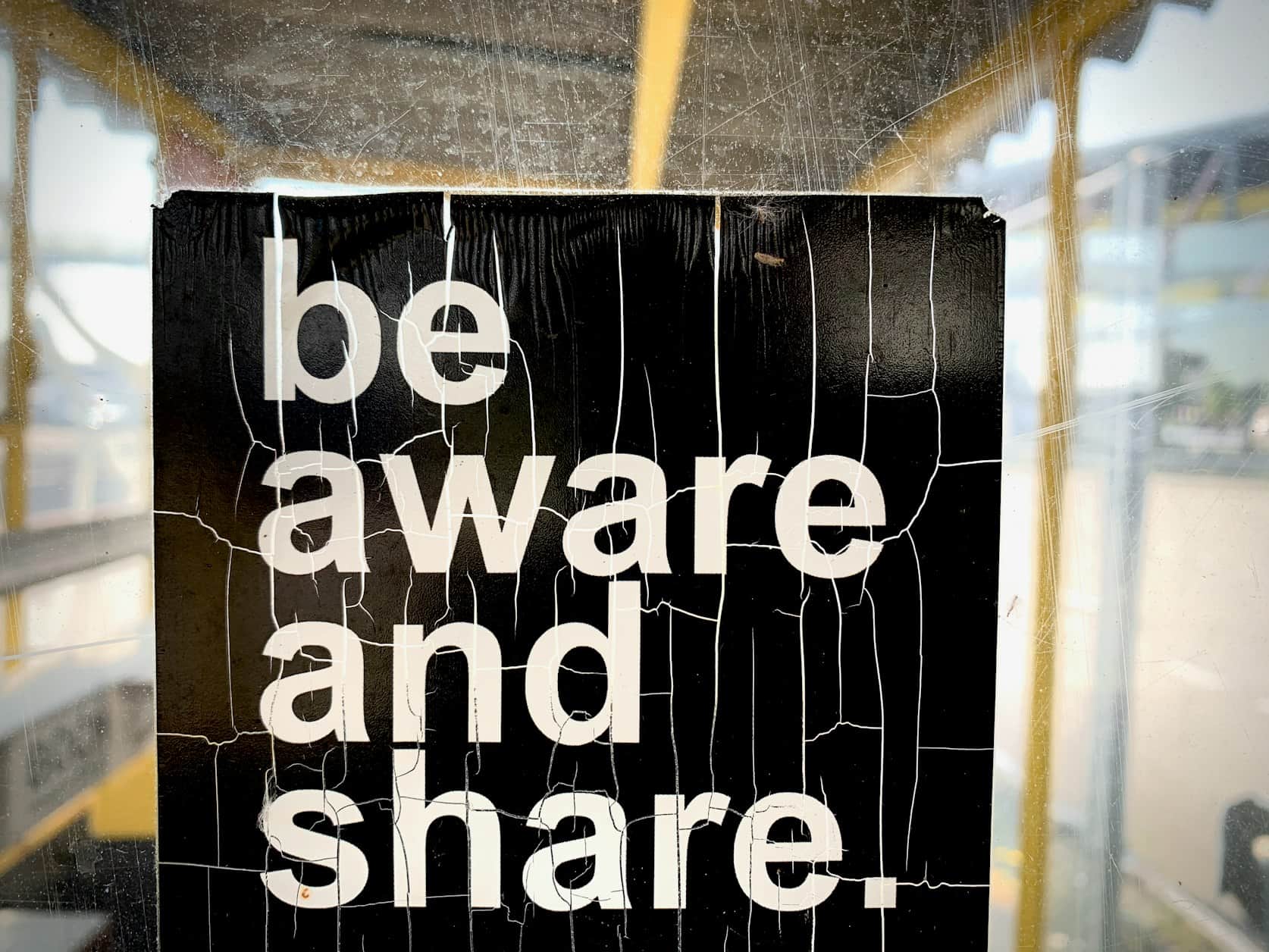
Font Finder
Upload a photo of text and get the font name, close matches, and where to find something similar.

Image Describer
Turn any photo into a short, natural-language description you can paste as alt text or a caption.
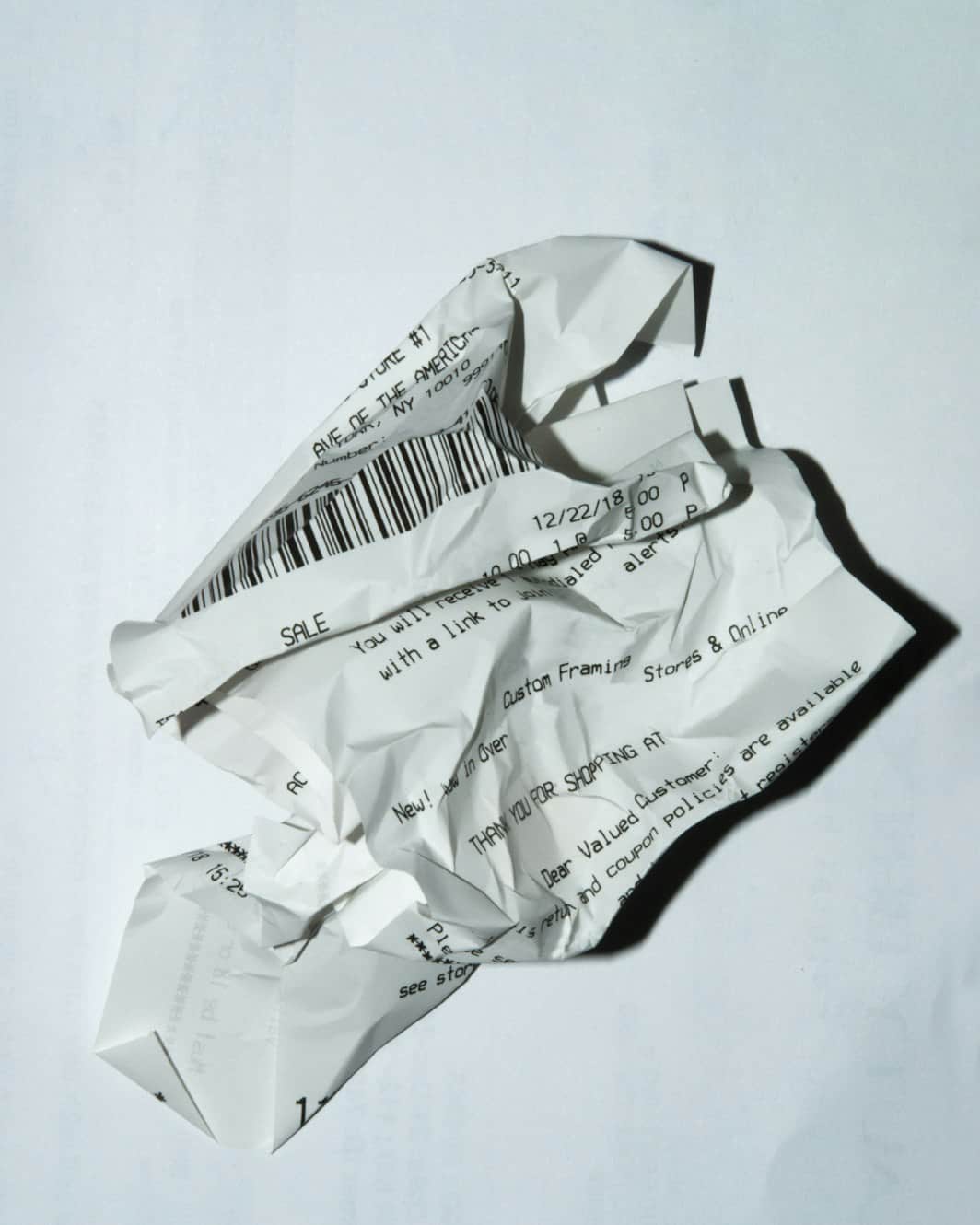
Receipt Scanner
Photograph a receipt and get the merchant, items, tax, and total pulled into a clean summary.
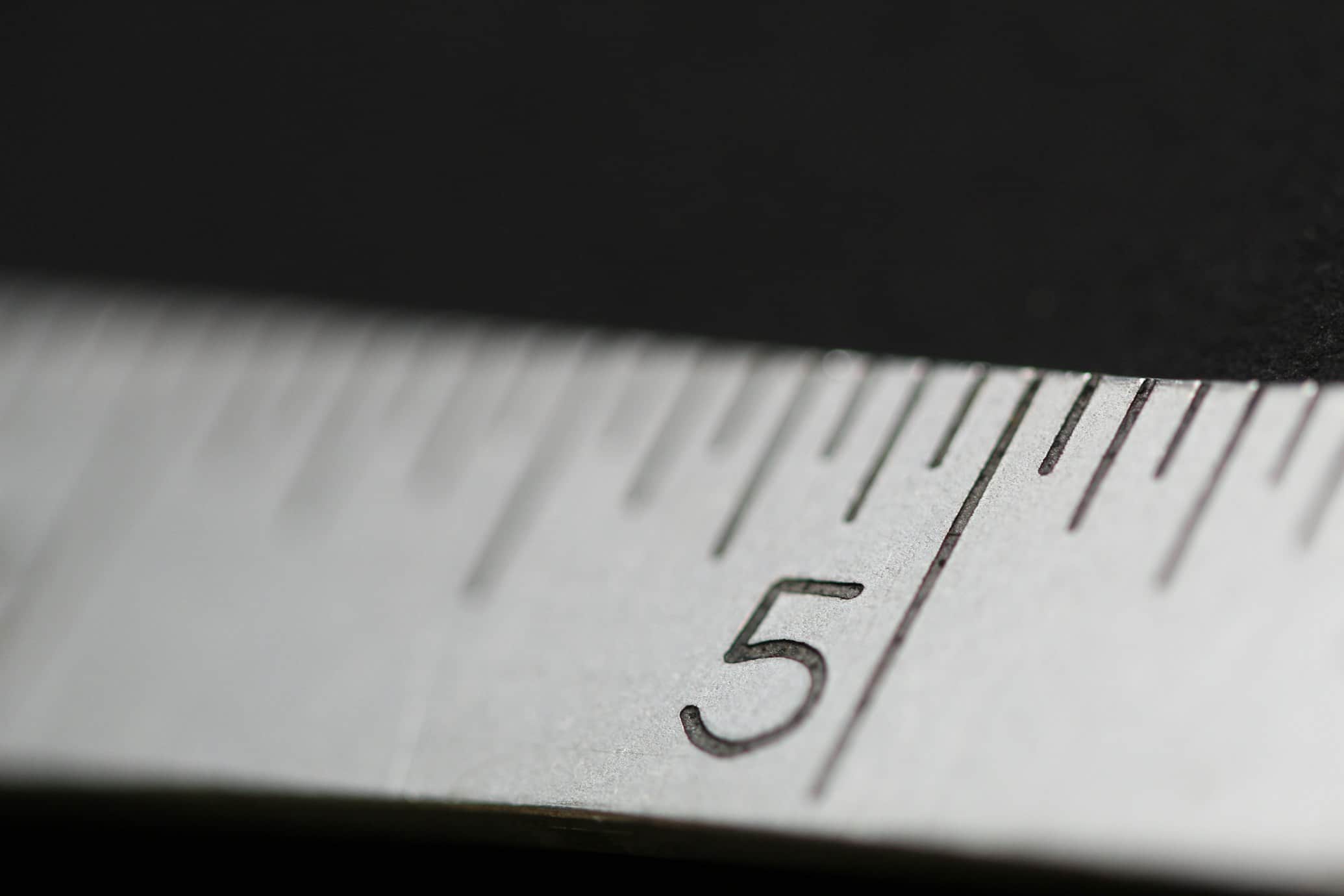
Estimate Dimensions From a Photo
Upload a photo of an object and get a visual estimate of its size, based on what's around it for scale.

Text Scanner
Upload a photo of text and get it pulled out, organized by structure, and ready to copy.
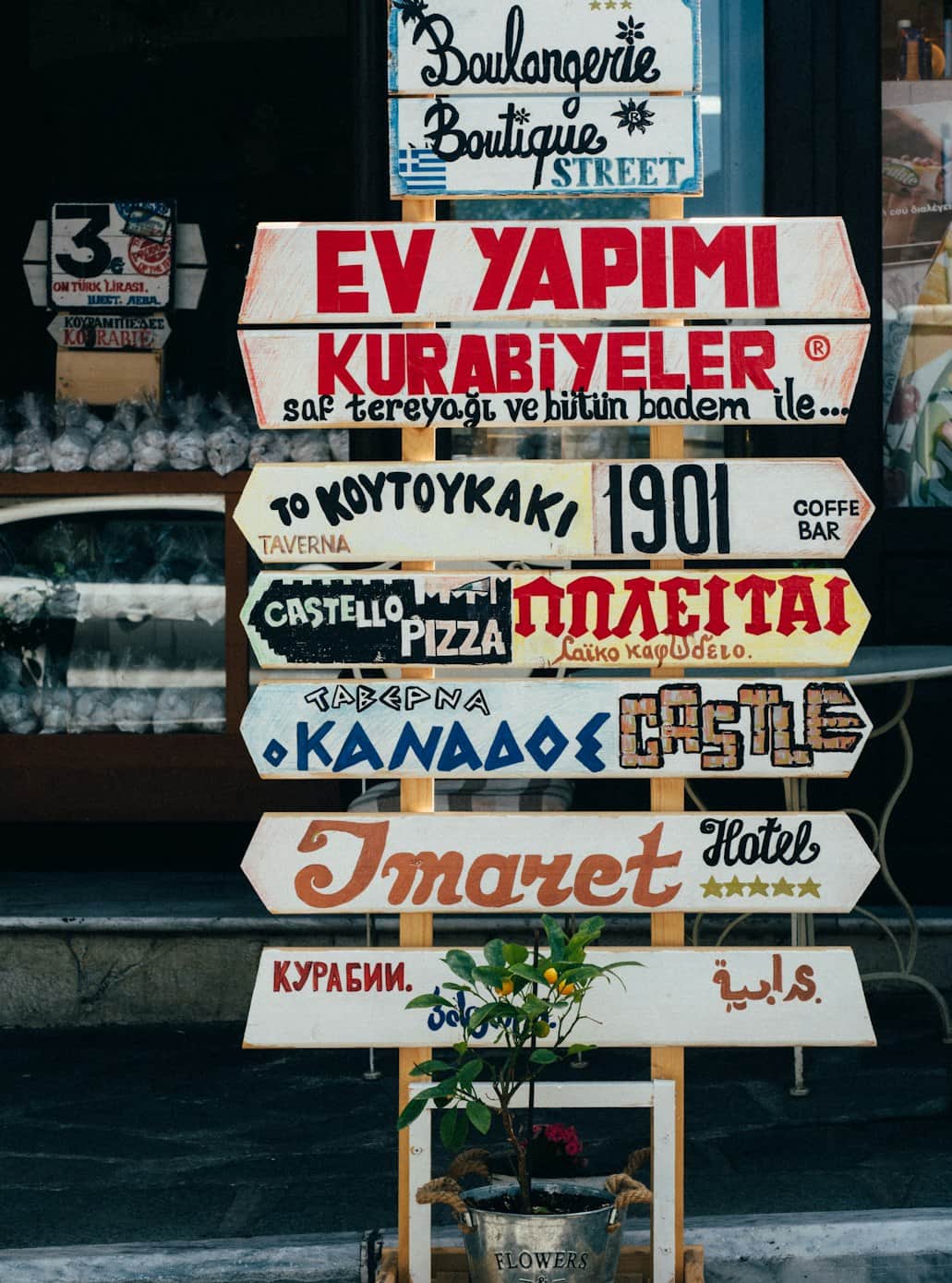
Translate Image
Upload a photo with text and get it read, identified, and translated.
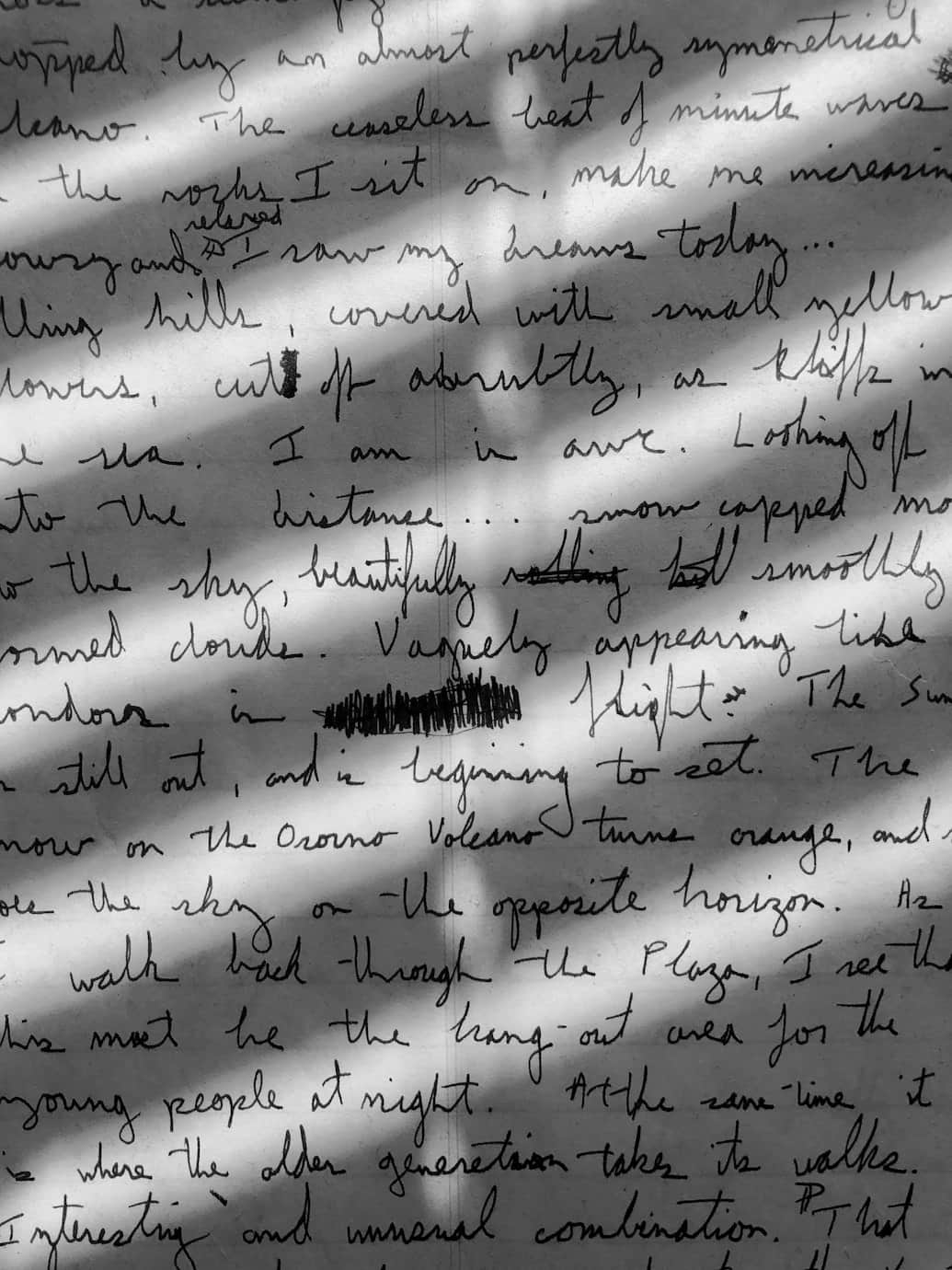
Text Readability Analyzer
Check contrast, spacing and legibility of any text inside an image before you send it out.
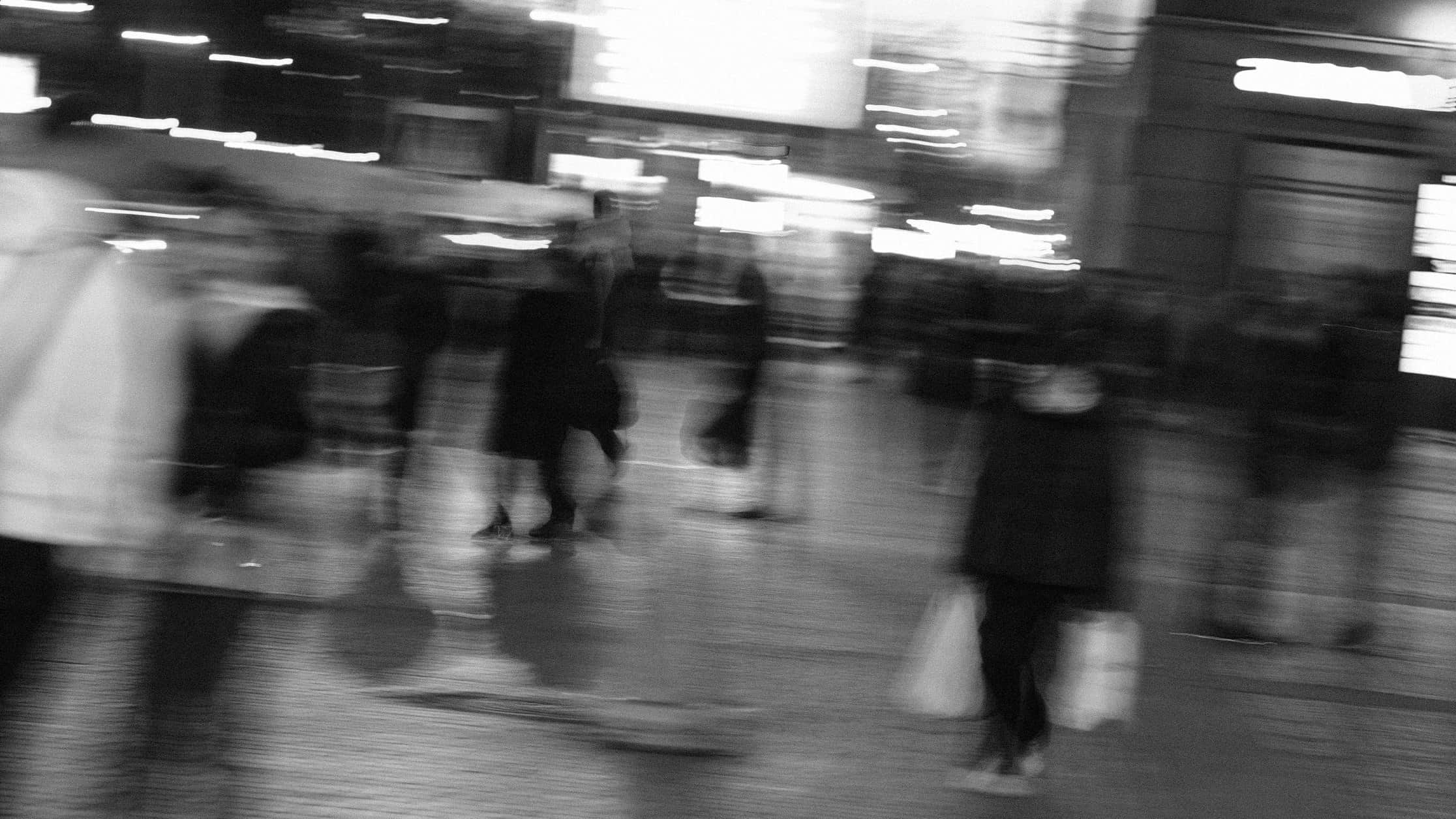
Blurry Image Classifier
Upload a photo and get a clear read on its sharpness, blur type, and whether it's worth keeping.

Image Tagging AI
Upload an image and get a ranked keyword list ready for stock sites, DAM tools, or alt text.

Text Sentiment Analyzer
Upload a photo containing text and get a plain read on its tone, sentiment, and intent.
Questions about Productivity tools
How accurate is the text extracted by the text scanner and receipt scanner?
Accuracy is high on clear, well-lit photos with legible text, but handwriting, glare, or crumpled receipts can cause the tool to misread some characters, so a quick review is worthwhile.
Can the size estimator give exact measurements?
It gives an estimate based on visible reference points in the photo, which is useful for a rough sense of scale but not a substitute for measuring an object directly.
What languages does the translate image tool support?
It supports a wide range of common languages for both reading the source text and translating it, though very stylized fonts or handwriting can reduce accuracy.
How does the font identifier handle stylized or custom fonts?
It compares visible letterforms against a large set of known fonts and returns its closest match, though heavily customized or hand-lettered text can be harder to match exactly.