Phenotype Analyzer
See a breakdown of the observable facial and physical traits in your photo.
What the Phenotype Analyzer does
Phenotype just means the traits you can actually see: bone structure, facial proportions, hair texture, skin tone, and how features sit relative to each other. This tool looks at one photo and describes those observable traits in plain, descriptive language, the way a textbook on human variation might, rather than guessing at ancestry or genetics. Upload a clear photo of a face, add a note in the details box if you want it to focus on a specific area, and you'll get a written breakdown plus a set of 0 to 100 scores for individual traits like symmetry, jaw definition, and brow prominence. It's built for curiosity and learning, not as a scientific or genetic test.
See a sample result
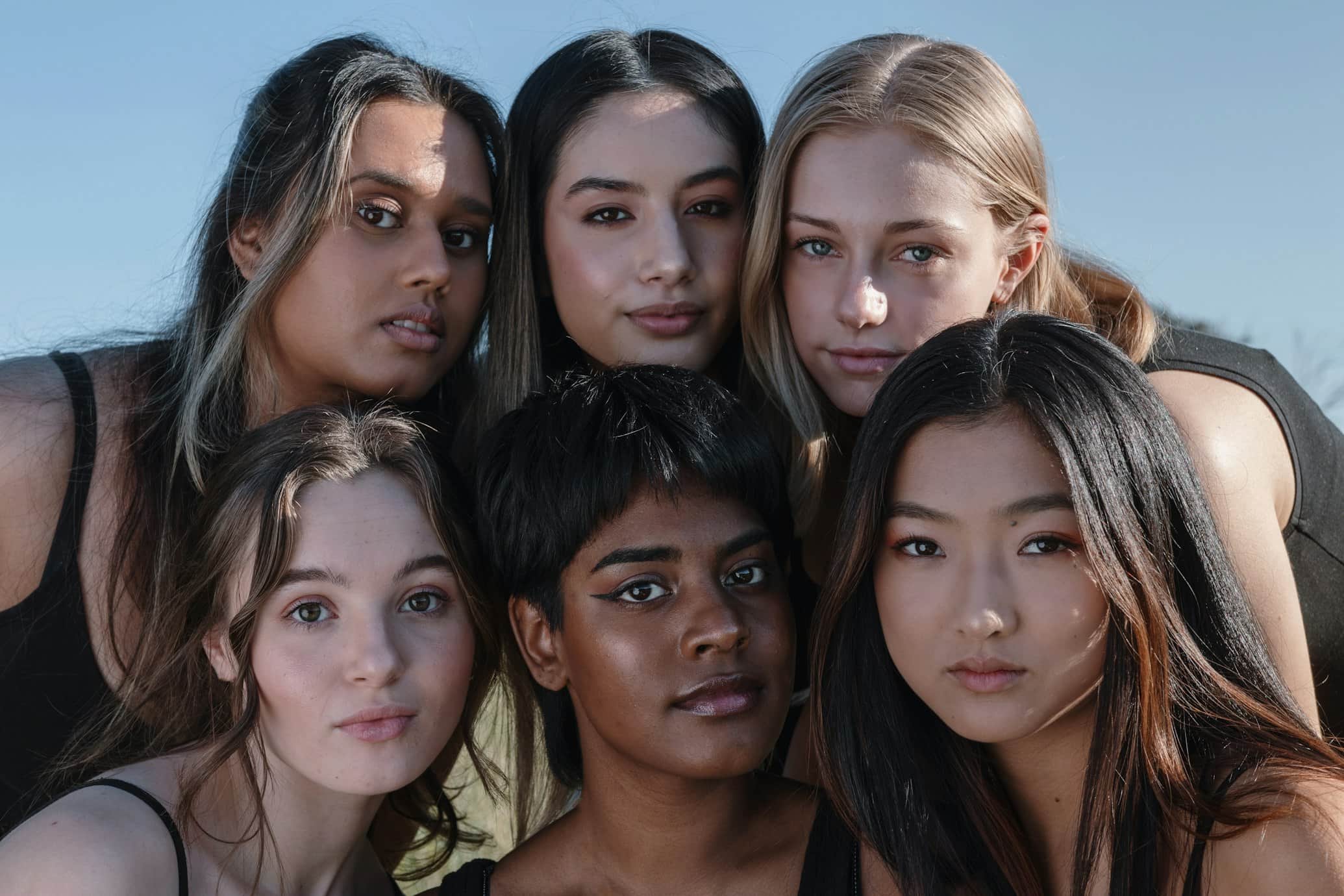
Input: A single, clear, front-facing photo of one person's face in natural daylight, hair pulled back, neutral expression. (The image at the top of this page shows six different people together to illustrate how traits vary from person to person; it's an illustration, not the example photo described below.)
- Facial Symmetry74%
- Jawline Definition58%
- Cheekbone Prominence46%
- Brow Prominence52%
- Eye Spacing60%
Phenotype analysis
The face shows a fairly symmetrical structure, with eyes set at roughly average spacing relative to the width of the face. The jawline is moderately defined, tapering gently toward a rounded chin rather than a sharp angle. Cheekbones sit at a medium height and aren't strongly prominent in this lighting.
Hair appears straight to slightly wavy in texture, and skin tone reads as a warm mid-range shade based on the lighting in the photo. Eyebrows are medium in thickness with a soft arch, and the nose bridge is straight with a rounded tip.
These are observations about what's visible in this one photo, not measurements. Lighting, angle, expression, and makeup can all shift how a trait reads from one photo to the next.
How it works
- 1
Upload a clear, front-facing photo
One person, facing the camera, in even light, with hair away from the face works best. Side angles or shadowed photos give the AI less to work with.
- 2
Add a note if you want a specific focus
Use the details box to ask about a particular feature, like your jawline or eye shape, if you don't want a general full-face breakdown.
- 3
The AI reads the visible traits
It looks at facial structure, proportions, hair, and skin as they appear in the photo, describing them in educational, descriptive language.
- 4
Get a written summary and trait scores
You'll get a plain-language description of the traits it noticed, along with individual 0 to 100 scores for things like facial symmetry or jaw definition.
Use cases
Learning facial anatomy terms
If you're curious what terms like brow ridge, jawline definition, or cheekbone prominence actually mean, seeing them applied to your own photo makes them concrete.
Comparing your own photos over time
Some people run photos from different years or after a change like weight loss or a new haircut to see how the written description shifts.
Comparing features with a family member
Running photos of siblings or relatives side by side can be a fun way to see which traits read as similar or different.
General curiosity
Plenty of people just want a more detailed, structured look at their own face than a mirror gives them.
Tips for better results
- Use a photo with even, front-facing light; strong shadows can change how symmetry and structure read.
- Pull hair away from your face and forehead so the AI can see your hairline and brow area clearly.
- Avoid heavy makeup or filters if you want the description to reflect your unedited features.
- Ask about a specific trait in the details box if you want more depth than a general summary.
- Try a couple of different photos if the scores vary more than you expect; lighting and angle both matter.
Limitations
This tool describes what's visible in one photo. It does not determine ancestry, ethnicity, genetics, or heritage, and appearance alone can't tell you where your traits come from. It's an AI's visual estimate, not a measurement, a lab test, or a scientific classification, and results can shift with lighting, camera angle, expression, and image quality. Treat it as an educational, entertainment tool for describing observable traits, not as a genetic, medical, or identity assessment, and don't use it to make assumptions about yourself or anyone else beyond what's actually visible in the photo.
Frequently asked questions
Does this tool tell me my ethnicity or ancestry?
No. It describes observable traits like facial structure, hair, and skin tone as they appear in the photo. Appearance doesn't reveal ancestry or genetics, so it doesn't attempt to guess either.
What does phenotype actually mean here?
Phenotype means the traits you can see: things like facial structure, proportions, hair texture, and skin tone, as opposed to genetic makeup, which isn't visible in a photo.
Why did I get different scores from two different photos?
Lighting, angle, expression, and even makeup can all change how a trait reads in a photo, so scores can shift between photos of the same person.
Can I ask it to focus on one feature, like my jawline?
Yes, use the details box to name the specific feature you want a more detailed look at.
Is this a scientific or medical assessment?
No. It's an AI's descriptive read of what's visible in one photo, meant for curiosity and learning, not a scientific, medical, or genetic evaluation.
Can I upload a photo with more than one person in it?
It works best with a single, clear face in the photo. A group photo makes it harder to give an accurate breakdown for any one person.
Does it use credits like other analysis tools?
Yes, each run uses credits, so it's worth uploading your clearest, best-lit photo the first time.
Plans start at $9 a month. See pricing